
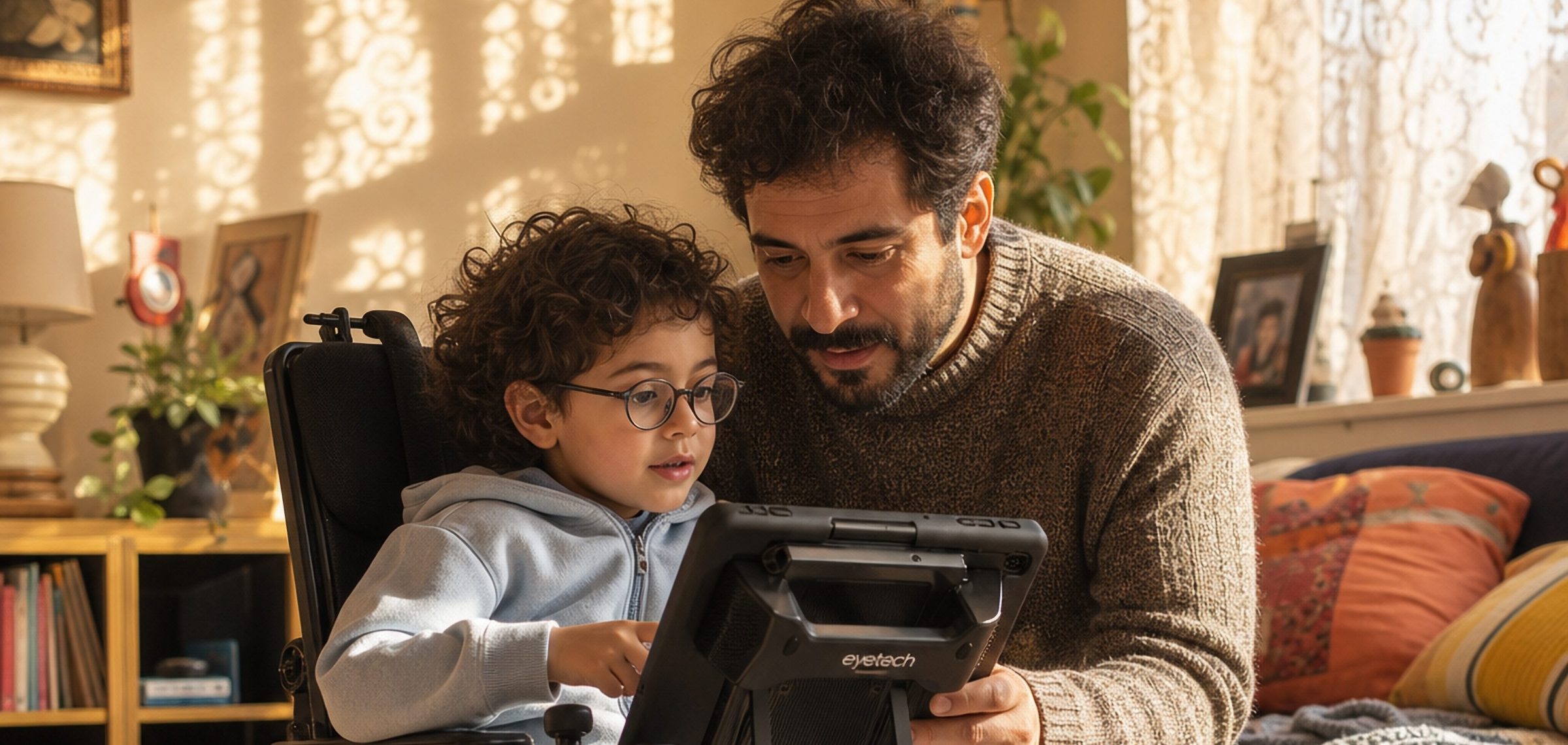
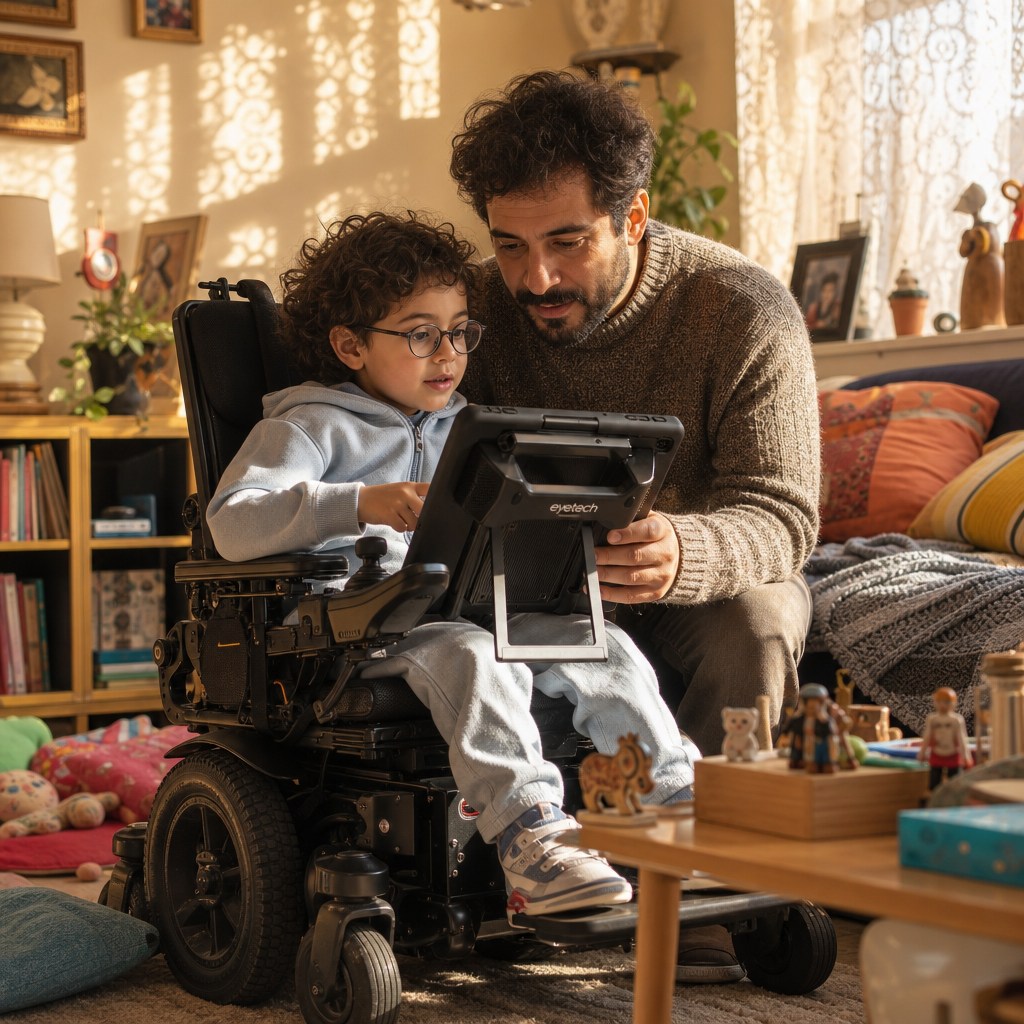
Eye gaze is one of the most powerful access methods in AAC — but it is also one of the most sensitive to setup variables. Lighting, positioning, eye fatigue, glasses, and even the time of day can all affect accuracy. The good news: most calibration issues have clear causes and straightforward fixes. Here are the seven we hear about most, and what to do about them.
1. Drifting Cursor
Symptom: selections consistently land slightly above, below, or to one side of where the user is looking. Cause: usually a positioning issue — the device has shifted since calibration, or the user’s head position has changed. Fix: recalibrate with the user in their typical position, then verify the device mount is secure and the screen angle has not shifted.
2. Works Well in the Morning, Degrades by Afternoon
Symptom: strong accuracy early in the day, noticeable decline later. Cause: eye fatigue, which affects the precision of gaze. This is common and normal, especially for new users. Fix: build in short breaks (5 minutes away from the device per 20 minutes of use). Some users benefit from recalibrating at midday.
3. Glasses Causing Inconsistent Tracking
Symptom: tracking works intermittently; certain gaze directions are more reliable than others. Cause: reflections from lenses interfering with the infrared sensors. Fix: try calibrating with glasses on and without, if possible. Tilt adjustments to either the glasses or screen can also reduce interference.
4. Bright Sunlight Overriding the Sensors
Symptom: device works perfectly indoors but struggles near windows or outside. Cause: direct sunlight overwhelms the infrared sensors. Fix: use shading (blinds, a screen shade, repositioning the user) to reduce direct sunlight flooding the eye tracker.
5. New User Struggling to Dwell-Select
Symptom: user looks at a target but selections do not trigger, or trigger unexpectedly. Cause: dwell time settings may not match the user’s natural gaze patterns. Fix: adjust dwell time in settings. New users often do better with a slightly longer dwell (1.2 seconds) until they develop intentional gaze control. Decrease over time as skill improves.
6. Calibration Completes But Accuracy Is Poor
Symptom: calibration appears successful but real-world use is inaccurate. Cause: the user may have been moving during calibration, or the calibration targets may not have matched their natural gaze range. Fix: redo calibration. Have a second person present to keep the user’s position stable. Some users benefit from a reduced calibration area if they have limited gaze range.
7. Eyelashes or Drooping Eyelids Affecting Tracking
Symptom: tracking works well when eyes are wide open but loses accuracy when the user is tired or has heavy eyelid droop. Cause: the sensor interprets partially-occluded pupils differently than open ones. Fix: recalibrate when the user is in a typical (not overly alert) state, so calibration reflects their real gaze.
When to Contact Support
If you have worked through these steps and accuracy is still not where it should be, our support team wants to hear from you. Many issues that seem like device problems turn out to be small setup adjustments our technicians can identify quickly. Reach us at eyetechds.com or call 1-888-539-3832.
Leave a Reply