
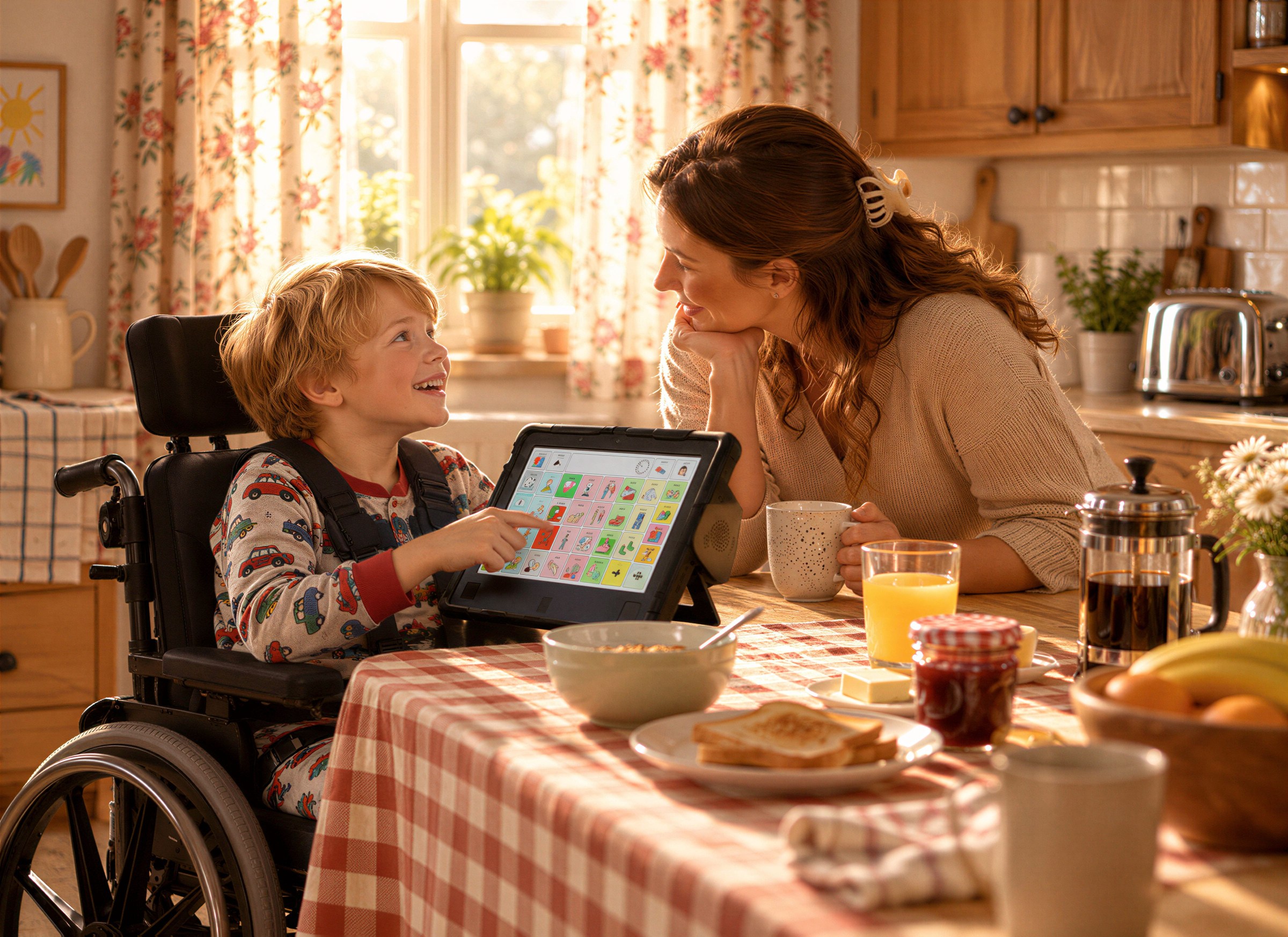
Children learn to speak by hearing thousands of hours of spoken language before they ever say a word. Nobody expects a toddler to talk after hearing a word once — and nobody quizzes a baby on vocabulary.
AAC works the same way. If someone is learning to communicate with a device, they need to see that device being used, over and over, in real situations. That practice has a name: aided language modeling. It is one of the most effective things a family, teacher, or caregiver can do — and you can start today.
What Modeling Looks Like
Modeling simply means you select words on the AAC system while you talk. If you say “Let’s go outside,” you also select GO and OUTSIDE on the device. You aren’t asking the user to repeat it. You’re showing them how the language works.
7 Modeling Strategies That Work
- Model without expecting anything back. The goal is exposure, not performance. Resist the urge to say “Now you say it.”
- Aim one step ahead. If the user is selecting single words, model two-word phrases. If they’re using two words, model three. Stay just slightly above their current level.
- Focus on core words. Words like MORE, STOP, GO, HELP, LIKE, and DIFFERENT work in almost every situation, so they get modeled — and learned — faster.
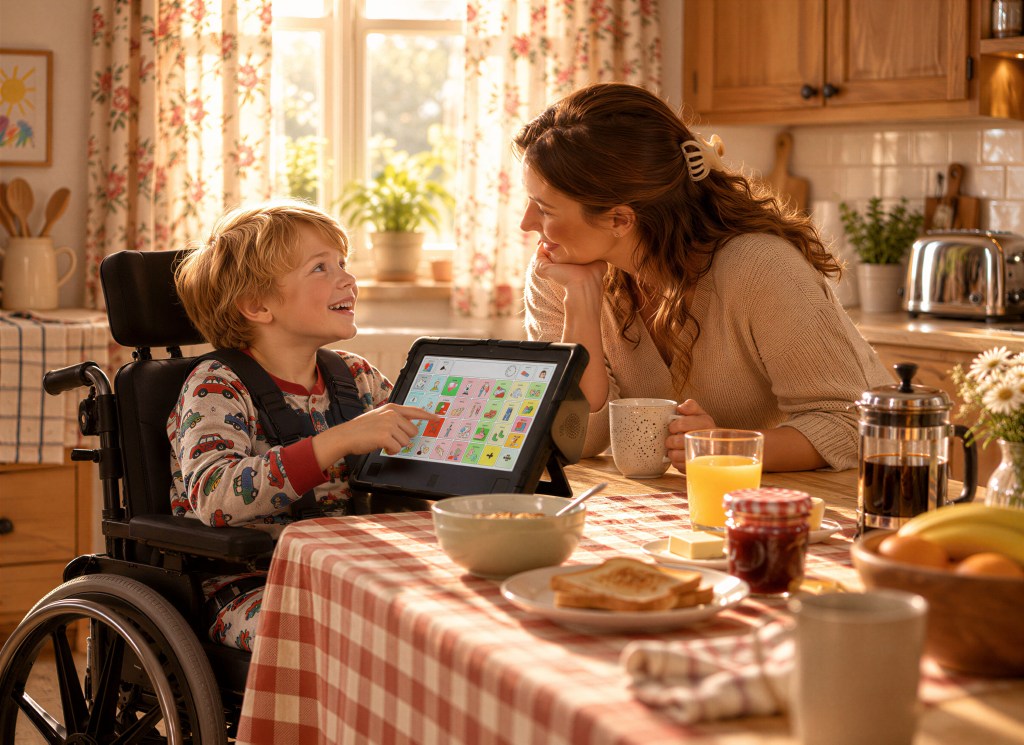
- Narrate daily routines. Mealtime, bath time, getting dressed, and car rides are built-in, repeatable practice sessions. Model the same words in the same routines.
- Pause and wait. After you model, give real wait time — often 10 seconds or more. Eye gaze users in particular may need a moment to locate and dwell on a word.
- Accept every attempt. If the user selects a word that seems random, respond as if it was meaningful. Exploring the device is how people learn where words live.
- Keep the device available all day. A device that lives in a drawer can’t be modeled on. Mounting it where the person spends their time makes a big difference.
How to Model on an Eye Gaze Device
Modeling on an eye gaze system can feel tricky, because the device is tracking the user’s eyes — not yours. A few options work well:
- Gently touch or point to the symbols on screen as you say the words, without activating them.
- Print a copy of the same board layout and model on paper while the user watches.
- Use a second device or app with the same vocabulary, so the location of every word stays consistent.
The key is consistency. When the word “help” is always in the same spot, both the partner and the user build motor and visual memory for it.
Common Modeling Mistakes
- Only modeling requests (“want cookie”) instead of comments, questions, and jokes.
- Turning every interaction into a test (“Show me BALL”).
- Giving up after a few weeks. Language learning takes months of exposure — for everyone.
Start Small This Week
Pick one routine — breakfast is a great choice — and three core words. Model them every single day this week. That’s it. Small, consistent modeling adds up to real communication.
Need help setting up vocabulary on your EyeTech device? Our team is happy to walk you through it. Call +1.888.539.3832 or reach out through our Contact page.
Leave a Reply