
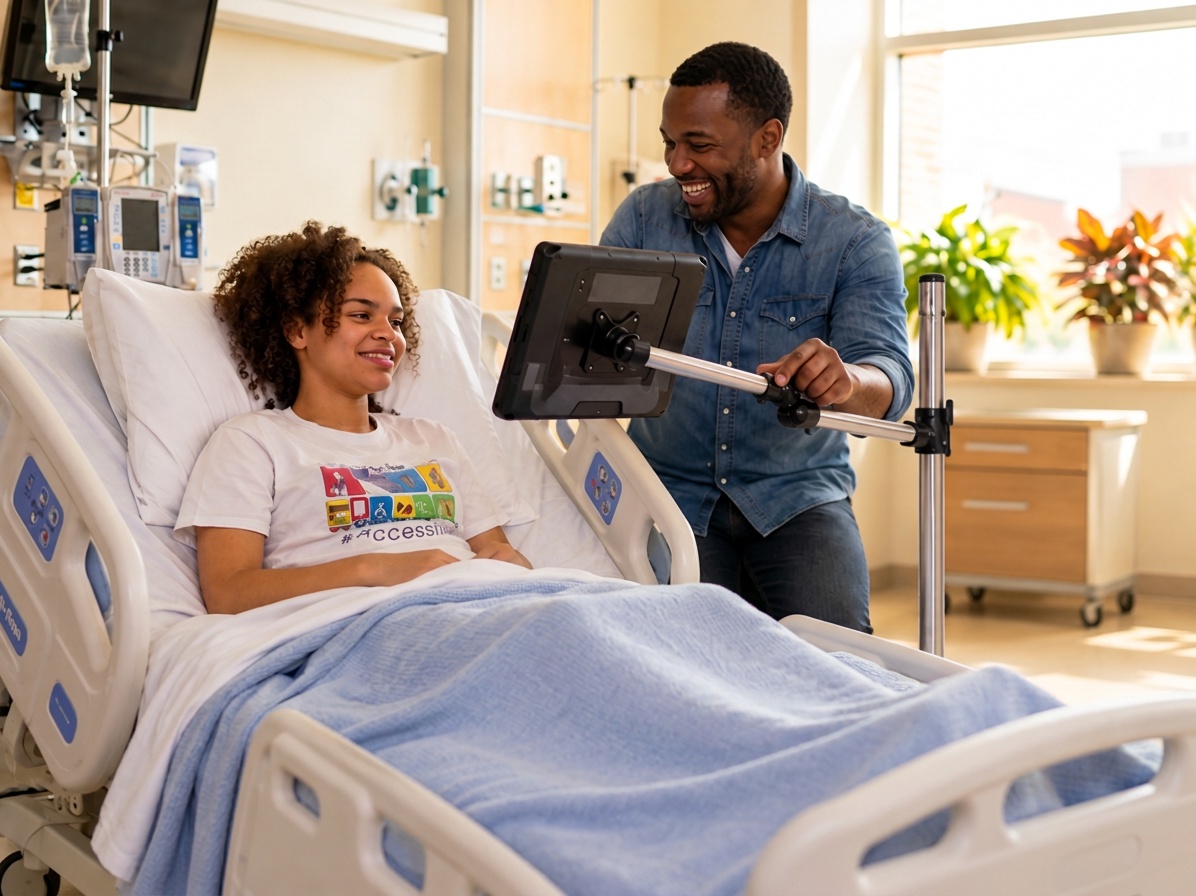
Here’s something that surprises a lot of new eye gaze users: the device is only half the equation. Where that device sits — its height, angle, and distance from the user’s eyes — can make the difference between effortless communication and constant frustration.
Eye trackers need a clear, steady view of the user’s eyes. If the screen is too low, too far away, or wobbles every time someone bumps the table, accuracy suffers. The right mount solves that, and it keeps the device available all day instead of stored away.
Start With Where Communication Happens
Before choosing a mount, think about a typical day. Where does the person spend most of their time?
- In bed or a hospital bed?
- In a wheelchair, recliner, or on a sofa?
- At a desk, kitchen table, or classroom workstation?
- Moving between several of these spaces?
Your answers point to the right type of mount.
Rolling Floor Mounts
Best for: beds, sofas, recliners, and positioning alongside wheelchairs.
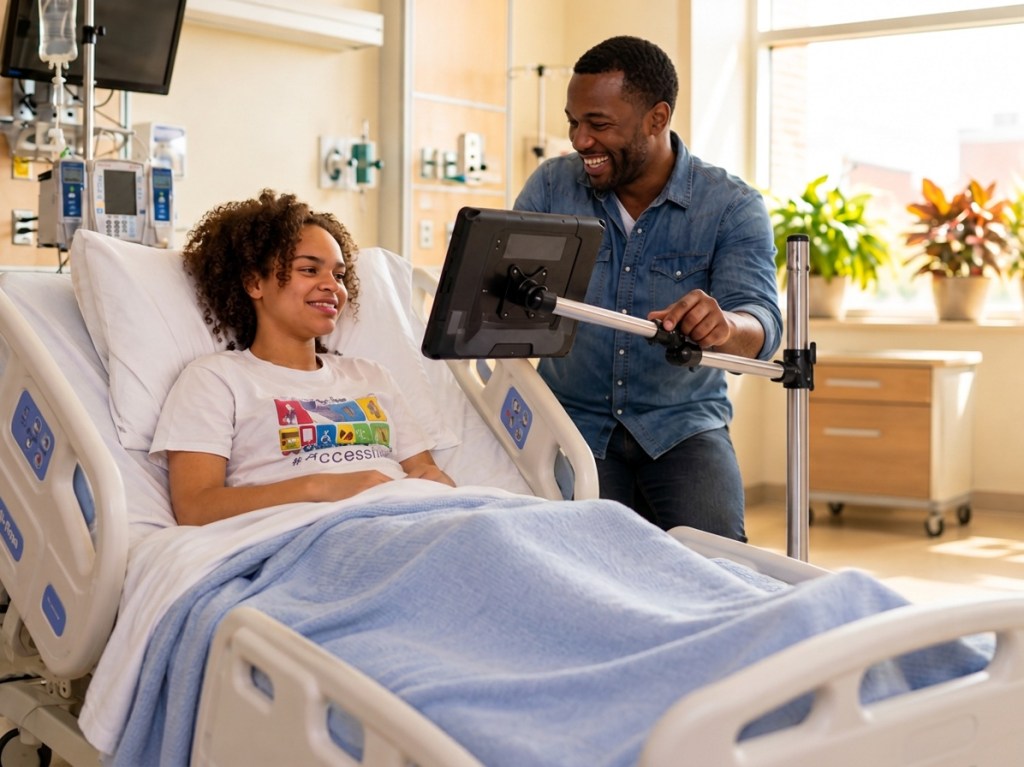
A rolling floor mount stands on its own base with wheels, so it doesn’t need a table, bed rail, or wheelchair to attach to. Caregivers can roll it into place, adjust the arm to bring the screen to the right height and angle in front of the user, and then lock it so the device stays steady. When it’s time for repositioning, personal care, or a transfer, the whole mount rolls out of the way and back again in seconds.
That flexibility makes rolling floor mounts a strong choice for people who communicate from bed for much of the day, including many people living with ALS, and for hospitals and rehab settings where equipment moves between rooms.
What to look for in a rolling floor mount:
- Locking joints and wheels, so the device doesn’t drift or roll once it’s positioned.
- An adjustable arm with enough height and reach to position the screen over a bed or in front of a chair.
- A base that fits your space, such as the gap beside a bed or between furniture.
- A load capacity that comfortably supports the weight of your device.
- Easy adjustments, so any caregiver can reposition it without tools.
Table Mounts
Best for: desks, kitchen tables, and classroom workstations.
When communication happens at a table, a table mount keeps the device stable, at the right height, and freed up from being propped against something. It’s ideal for students, remote workers, and family meals.
4 Positioning Tips for Better Eye Tracking
- Center the screen directly in front of the user’s face, not off to the side.
- Check the distance. Follow your device’s recommended viewing distance and keep it consistent.
- Watch the lighting. Avoid positioning the user facing a bright window.
- Lock it down. Once positioning feels right, tighten every joint so the device doesn’t drift.
If calibration still feels off after positioning, our Eye Gaze Calibration Troubleshooting guide walks through the most common fixes.
Not Sure Which Mount to Choose?
Many families use more than one — a rolling floor mount near the bed and a table mount for meals or school. Browse the mounts available in our Store, or call +1.888.539.3832 and we’ll help you find the right setup.
Leave a Reply